Intelligent HQ Experience
In brief
Intelligent HQ Experience is an audiovisual, AI and experiential design for the two-floor Jubail Island Headquarters in Abu Dhabi. Visitors meet the island through a touchable dome and a spoken AI concierge, operators run it on one 18-metre canvas, executives call that canvas onto their own wall, and every room shares a screen without a cable.
01 · The challenge
A headquarters is where a destination is presented to visitors, run by operators and decided by leadership — three jobs that usually live in three disconnected systems. Visitors arrive without context. Operators juggle separate screens for cameras, maps, assets and incidents. Executives wait for someone to bring them the picture. Meeting rooms each work differently, so staff waste the first minutes of every meeting finding the right cable or app. The brief asked for one coordinated system across 25 rooms on two floors that feels effortless to use and impressive to visit.
02 · Who it’s for
Four groups use the building every day. Visitors and delegations need to understand the island quickly and remember it. Operators need one canvas where any workstation can be placed, resized and recalled. Executives and the chairman need the operations picture on demand and calm, cable-free meetings. IT needs to see what the audiovisual network is doing without taking control away from operators. The design gives each group the right gesture in the right place — wonder at the reception, control in the command centre, quiet in the Majlis and offices.
03 · The experience
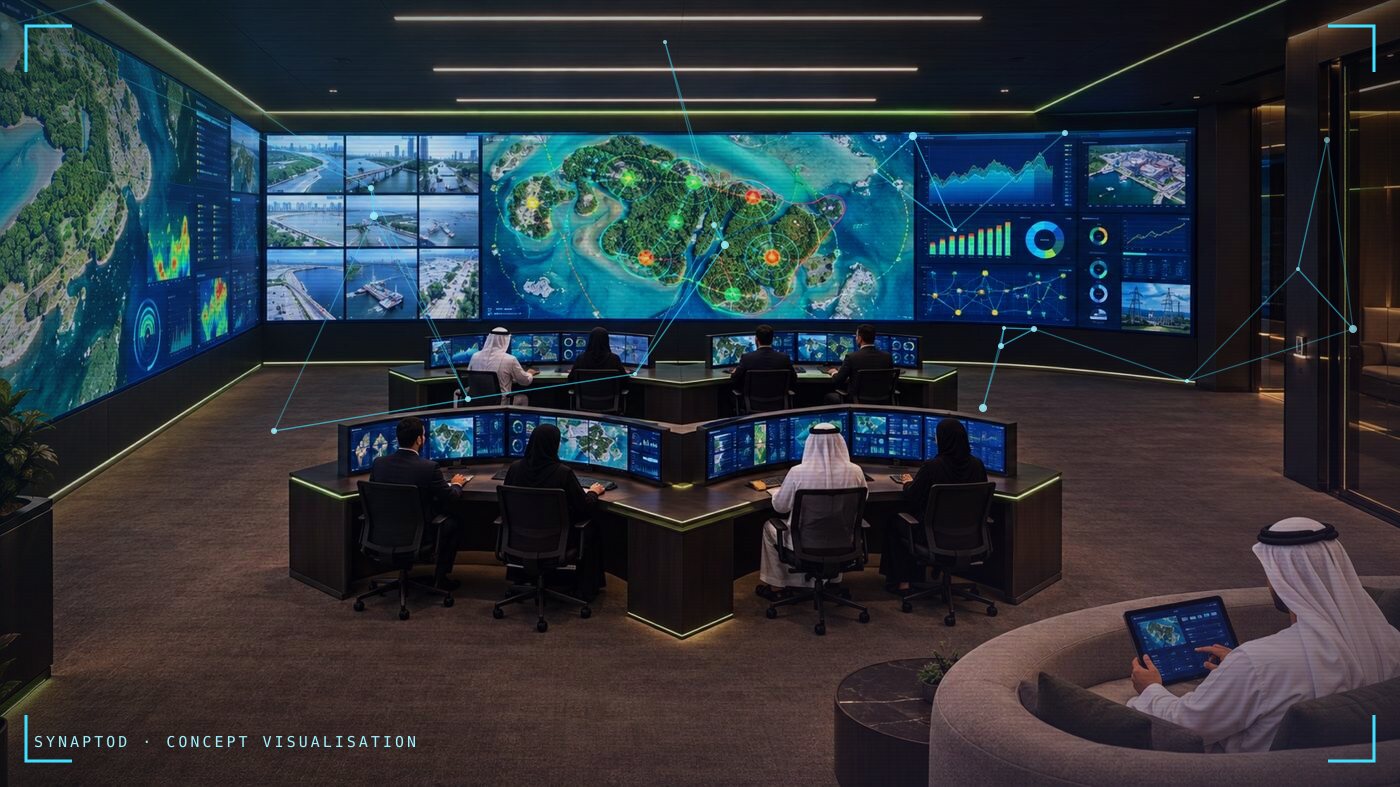
A guest steps out of the lift to a 3.6-metre LED wall showing the island film or a welcome for the delegation of the day. At the reception, a touch-responsive hemisphere rises from a round table; choosing a district opens its story on the dome, and four touch screens around it let several visitors explore at once. Beside the desk, a life-size virtual concierge on an 85-inch glasses-free 3D display greets them and answers spoken questions in real time. In the Visitor Experience Hall, placing a physical object on a touch table opens its story while two angled LED walls follow. In the Majlis, technology steps back: a framed display reads as artwork until the host needs it. Behind the scenes, eight operators work at chevron desks facing one continuous 18-metre canvas, and the executive office can call that canvas onto its own wrap-around wall with one touch.
04 · How it works
Under the hood
- Three large canvases — the Command Centre, Executive Office and Visitor Experience Hall — share one AV-over-IP network carrying 4K60 video, so a source in one room can appear in another without new cabling.
- Operators compose the command wall by dragging live previews of each workstation and recall saved layouts with one touch; a roaming tablet lets a supervisor change the wall from anywhere in the room.
- The AI concierge is a real-time voice-to-voice character that answers only from approved island content, can trigger 3D content in reply, and hands over to the reception team when judgement is needed.
- Every room with a screen accepts content from a laptop, tablet or phone using the mirroring already built into the device — the same action in every office, meeting room and boardroom.
- Meeting rooms use all-in-one video bars that frame participants automatically; the boardroom uses ceiling microphones so the table stays clear and every seat is heard.
- IT receives a read-only live view of every networked AV device: what is online, which source is on which wall, which layout is active, and a time-stamped event log.
Gallery
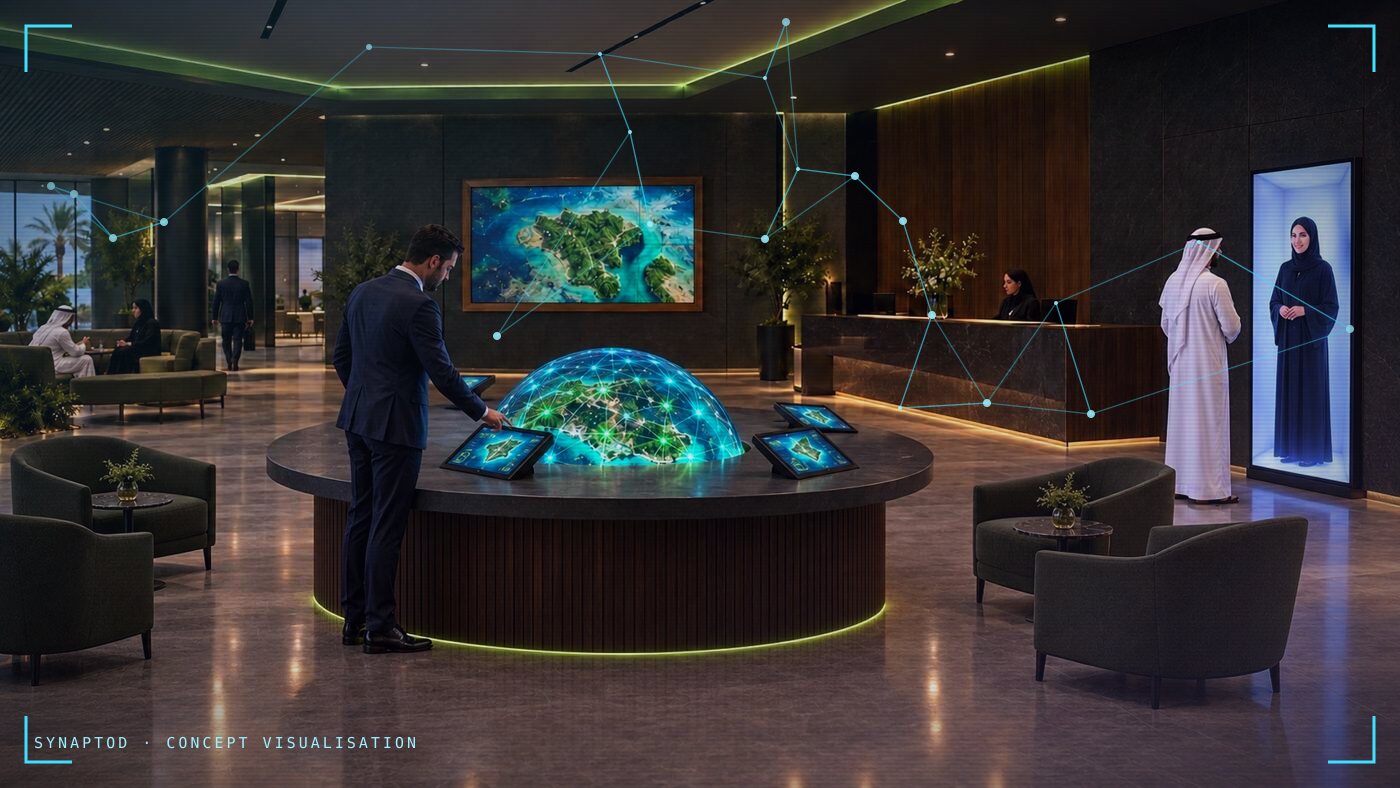
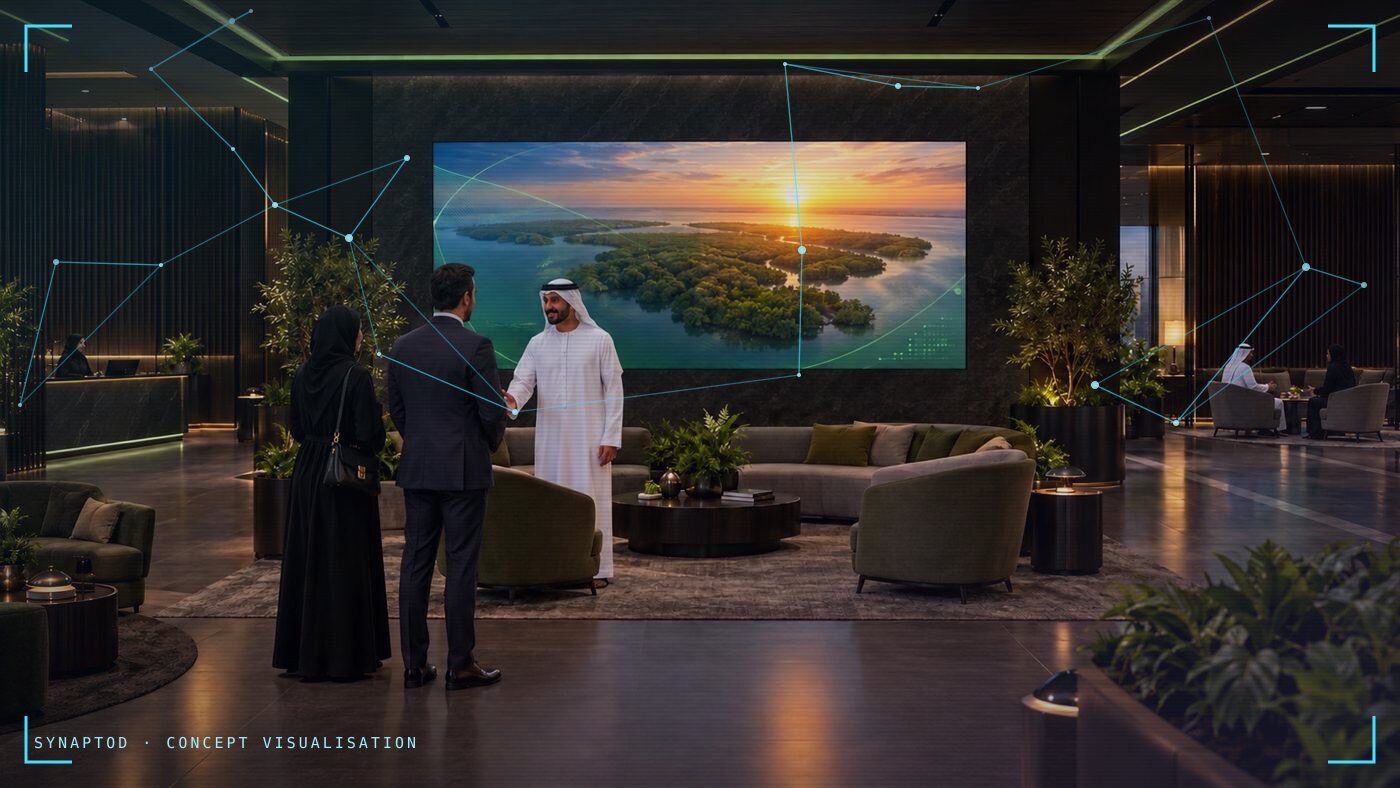
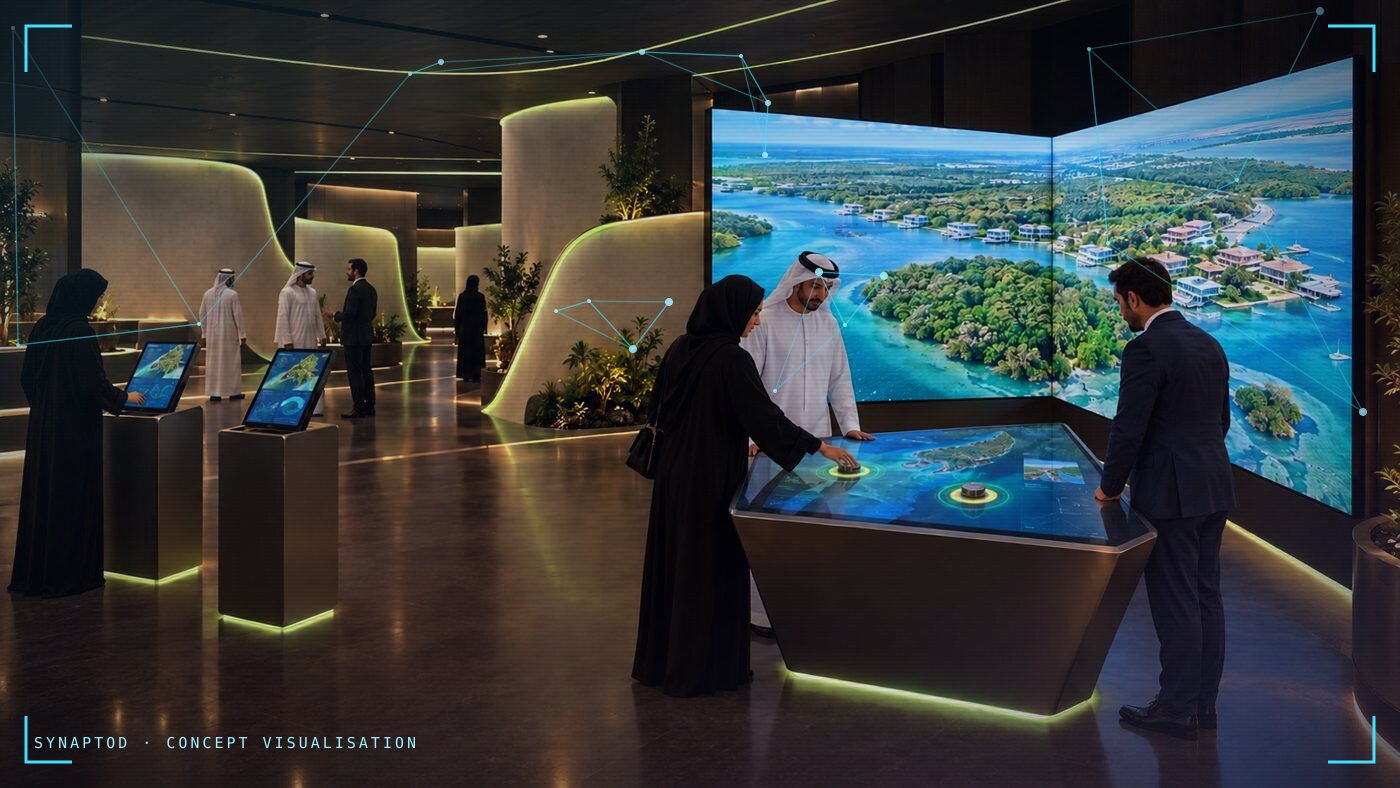
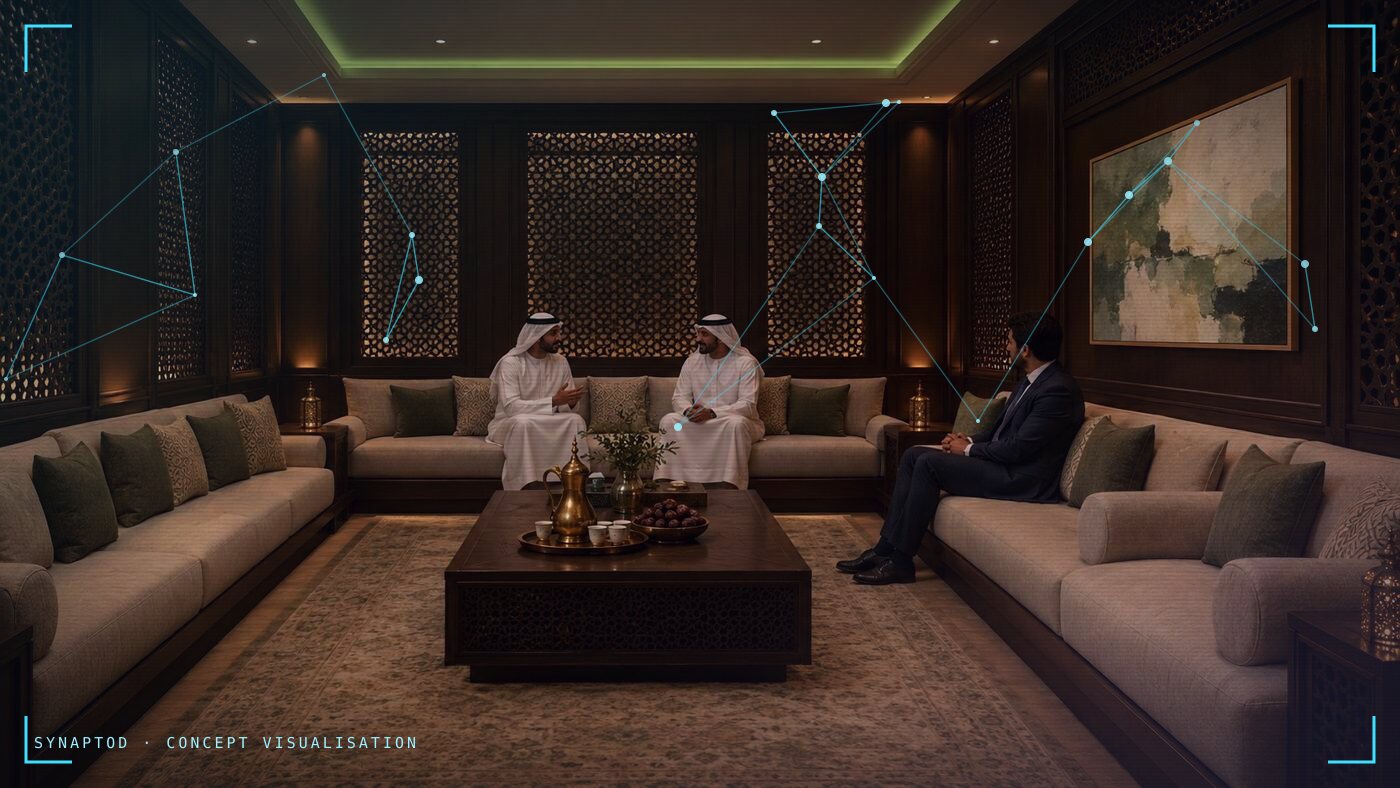
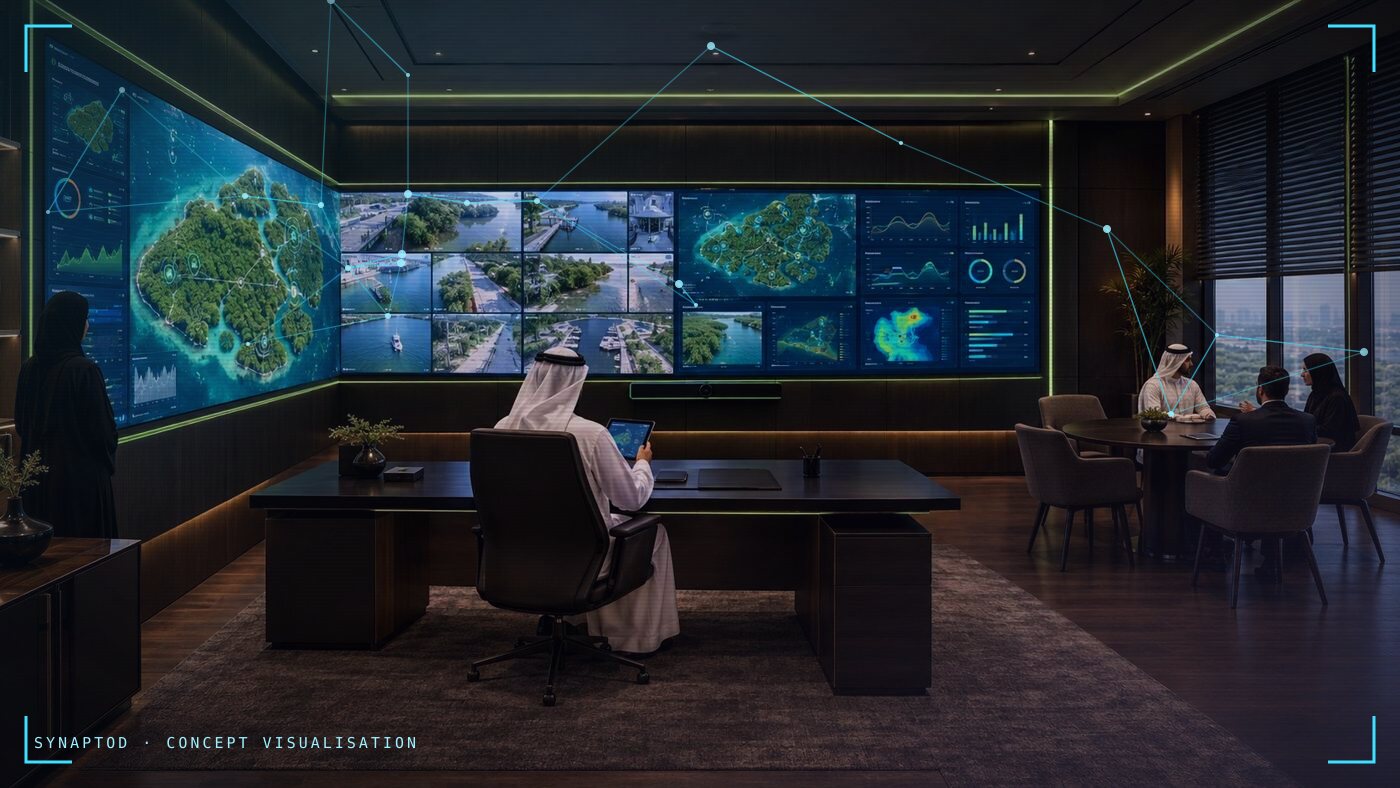
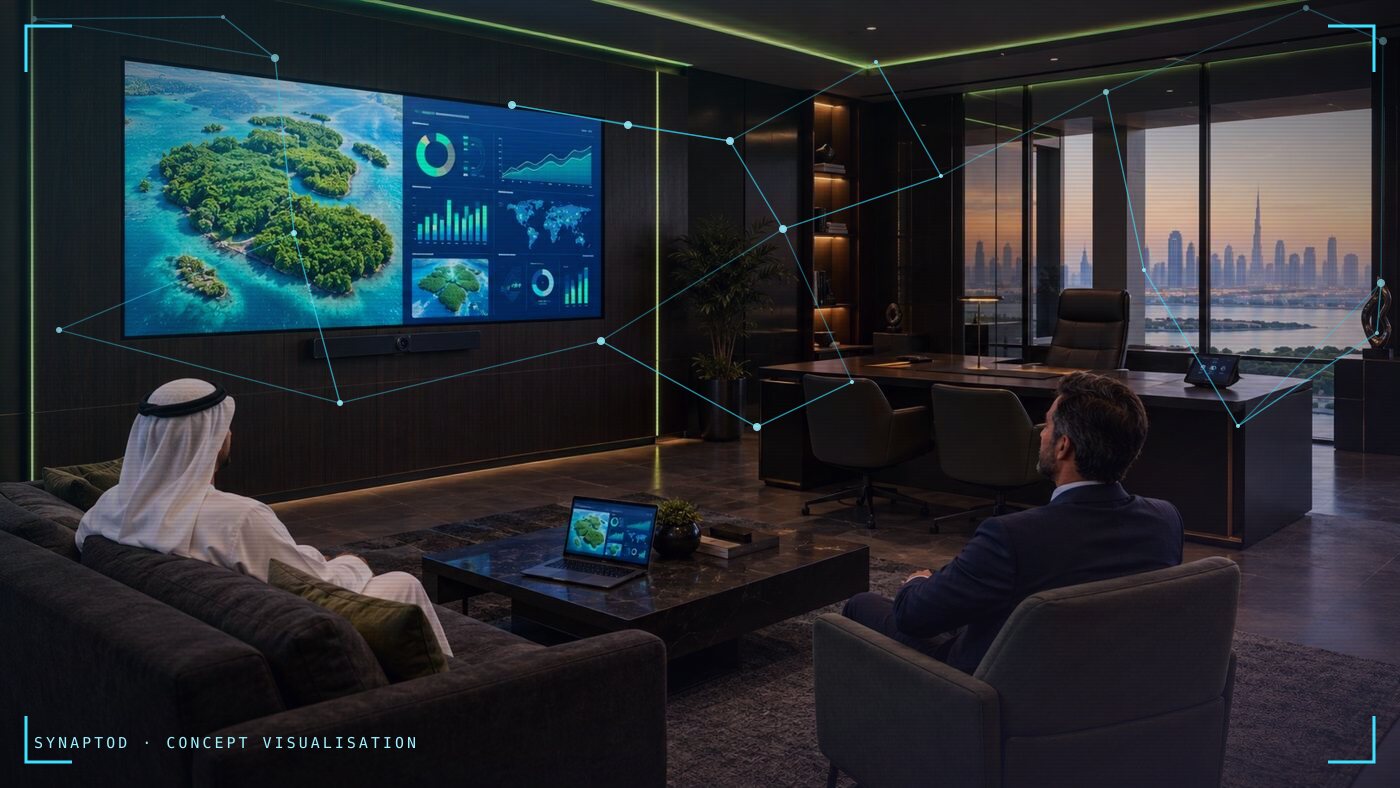
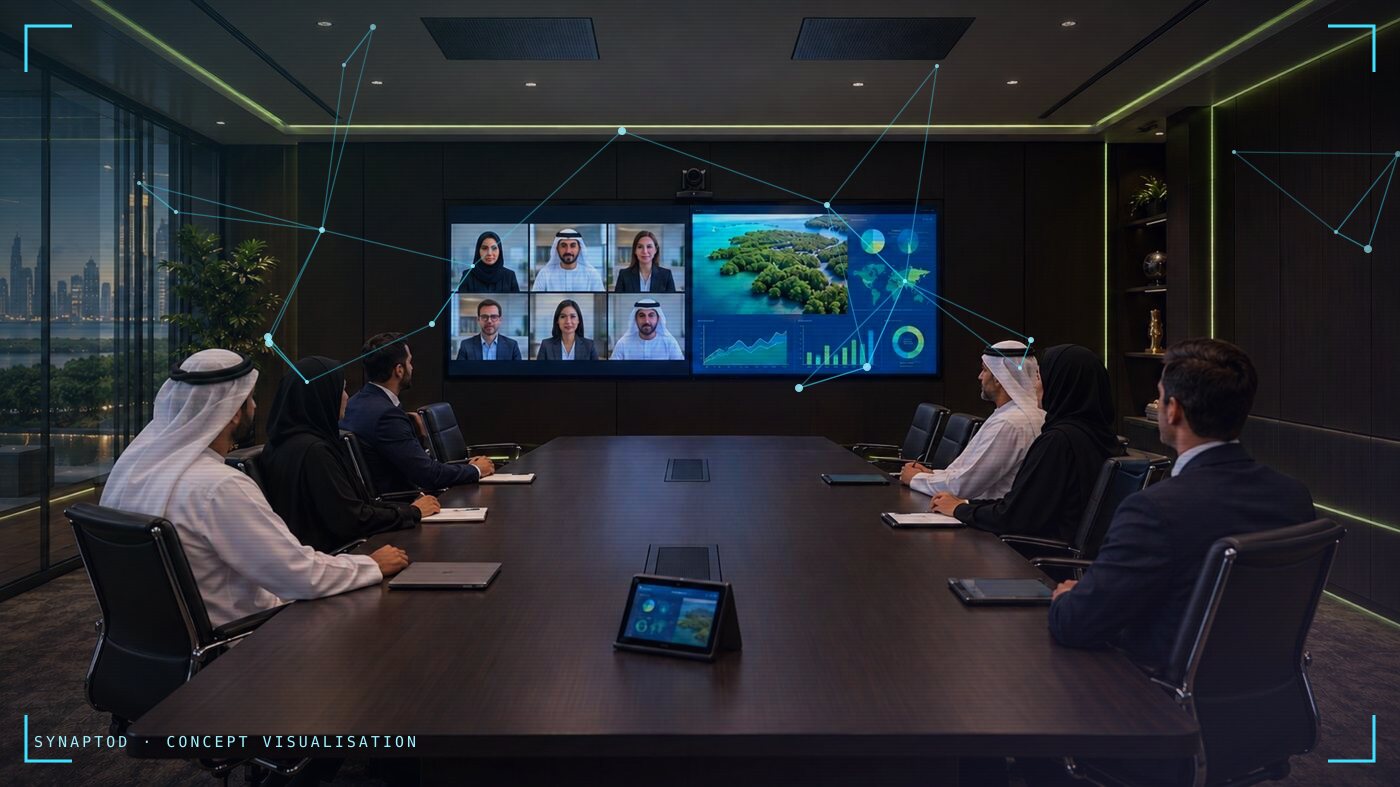
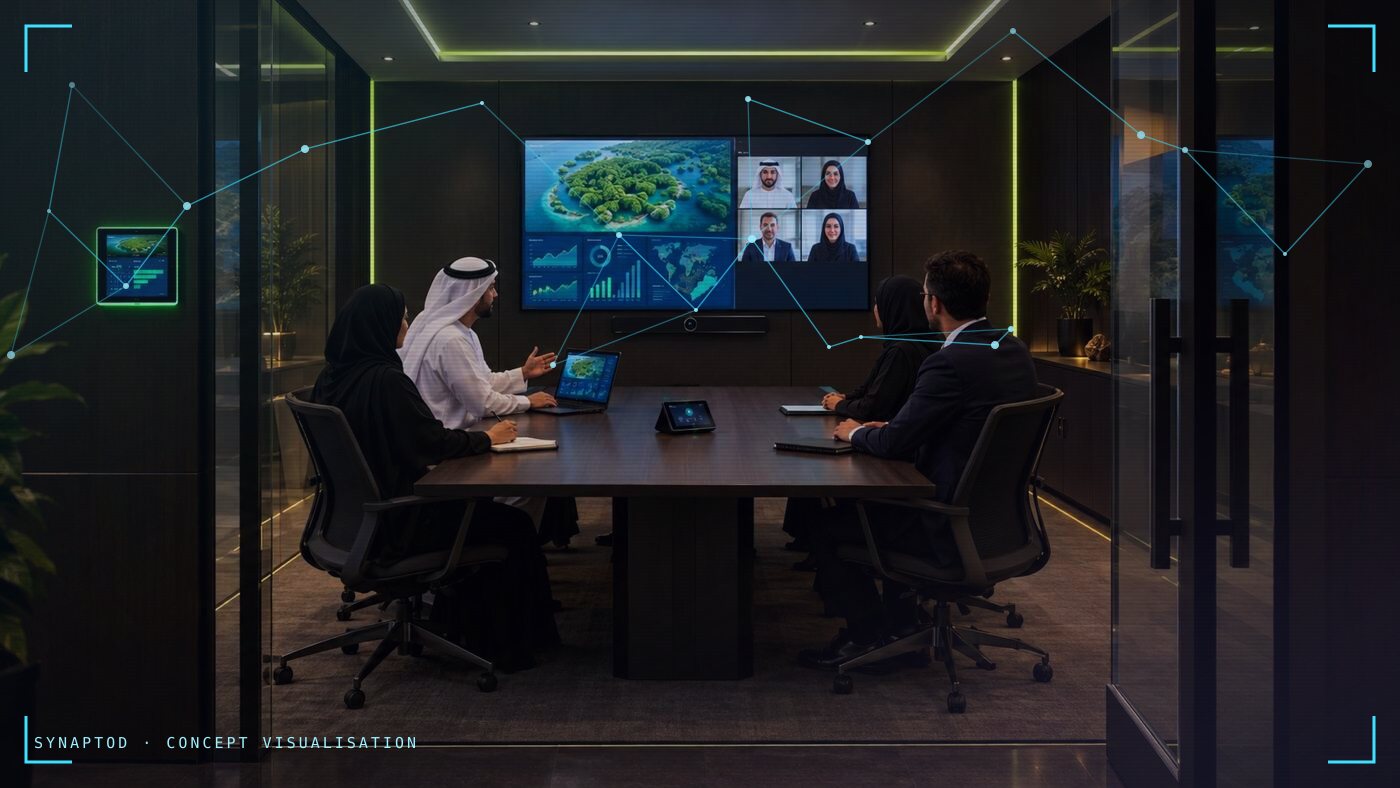
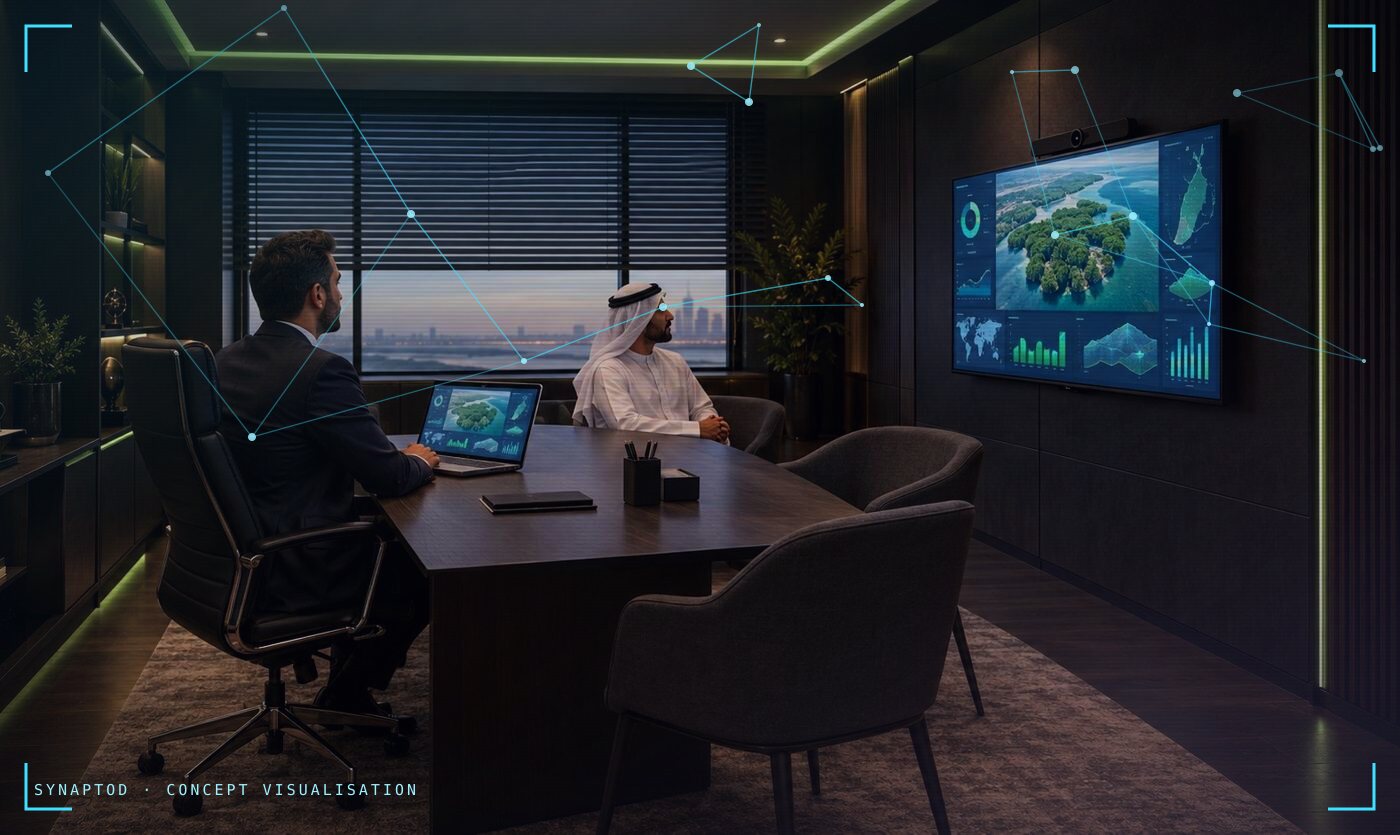
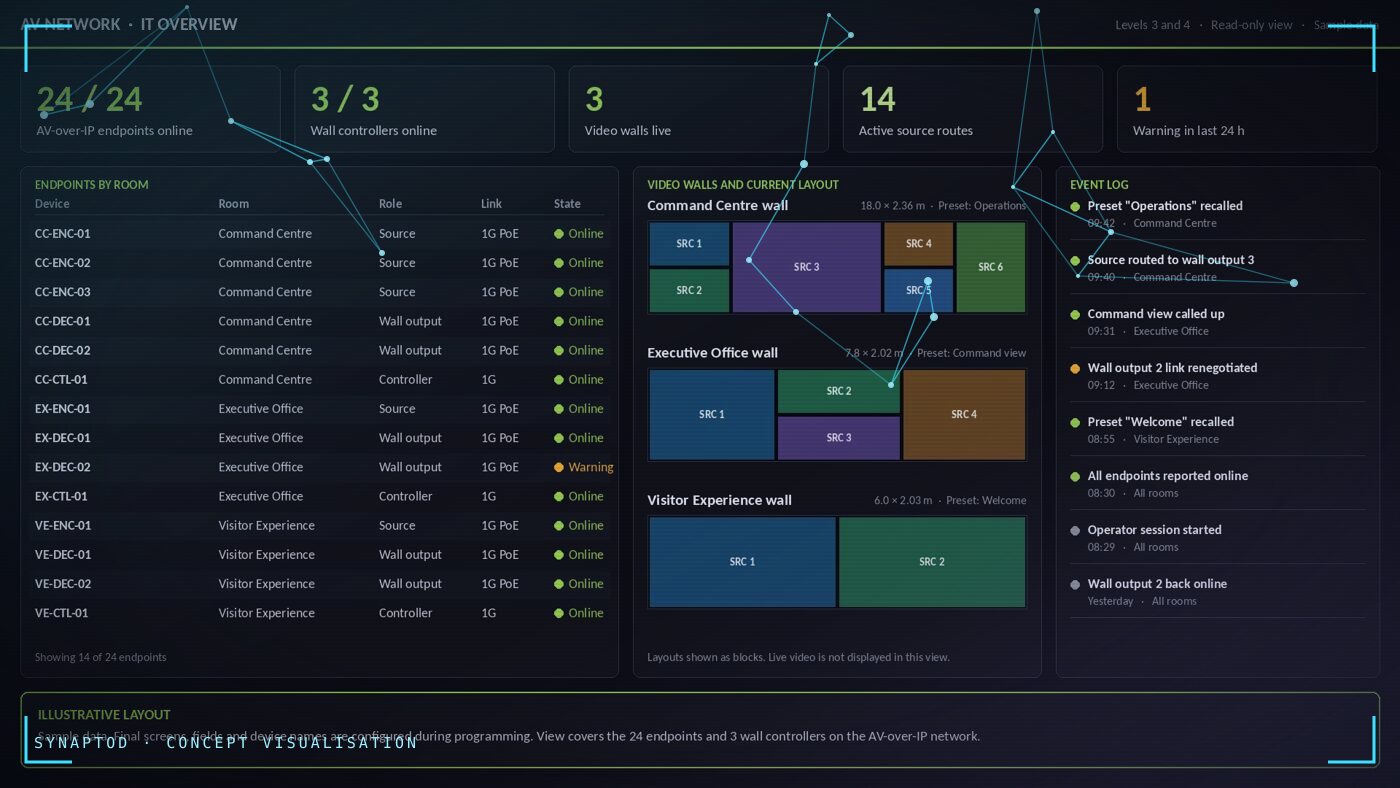
Images are concept visualisations and illustrations, not photographs of finished installations.
05 · Built to grow
The system is designed to be bought and grown in stages. Each room is self-contained, so the headquarters can take, defer or add rooms without reopening the rest. The executive call-up extends to the chairman’s office, the boardroom or any office display by adding one endpoint per screen. Later additions are already mapped: on-site meeting transcription and minutes that never send audio outside the building, a unified device view for IT, and privacy-reviewed visitor analytics.
06 · Added advantages
- One habit everywhere: a person who has shared a screen in one room can do it in every room.
- Visitors understand the destination before they meet the team, which shortens every briefing.
- Leadership sees live operations without interrupting operators or walking to the command centre.
- Fewer devices in each signal path in smaller rooms means fewer points of failure and simpler support.
- Front-serviceable, impact-resistant LED walls suit public areas and avoid access voids behind walls.
- Content, languages and the concierge’s knowledge can be updated without changing hardware.
07 · The human side
Every change on the command wall is made by a person — the wall is operator-driven by design. The concierge answers only from content the headquarters approves, and it hands over to a human when a question needs judgement. Where speech is processed and what is stored is agreed in writing before design freeze. Camera-based people counting is deliberately held back until a privacy review. Executive call-up gives leaders a view of operations, never control over the operators’ wall.
Questions people ask
What does the AI concierge do?
It is a life-size virtual character on a glasses-free 3D display that holds a spoken conversation with visitors in real time, answers from approved content, can trigger 3D content in reply, and hands over to the reception team when a question needs a person.
Is the 3D concierge a hologram?
No. It uses a glasses-free 3D display that gives a hologram-like depth effect on a flat panel. It is a production display that can be supported and serviced, rather than a free-floating projection.
Can executives see the command centre from their office?
Yes. One touch on the office tablet places the Command Centre’s live sources on the office LED wall, as a single window or a saved multi-window layout. Operators keep full control of their own wall.
How do people share content in meetings?
Every room with a display accepts content from a laptop, tablet or phone without a cable, using the screen-mirroring built into the device. There is nothing to install and the method is the same in every room.
Can the system be installed in phases?
Yes. Each room and each system inside a room is a separate group, so the headquarters can take, defer or add parts without reopening the rest of the design.
Related cases
Digital Concierge
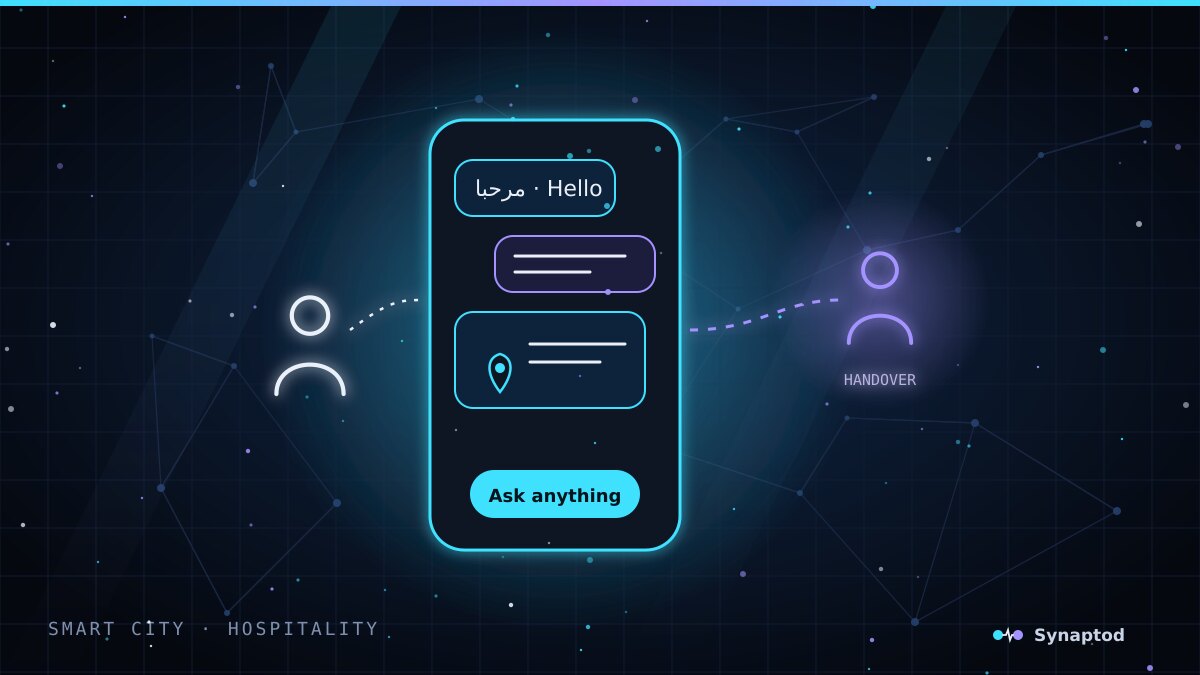
Digital Concierge is a bilingual AI assistant for residents and visitors of Jubail Island, a master-planned island community in Abu Dhabi.
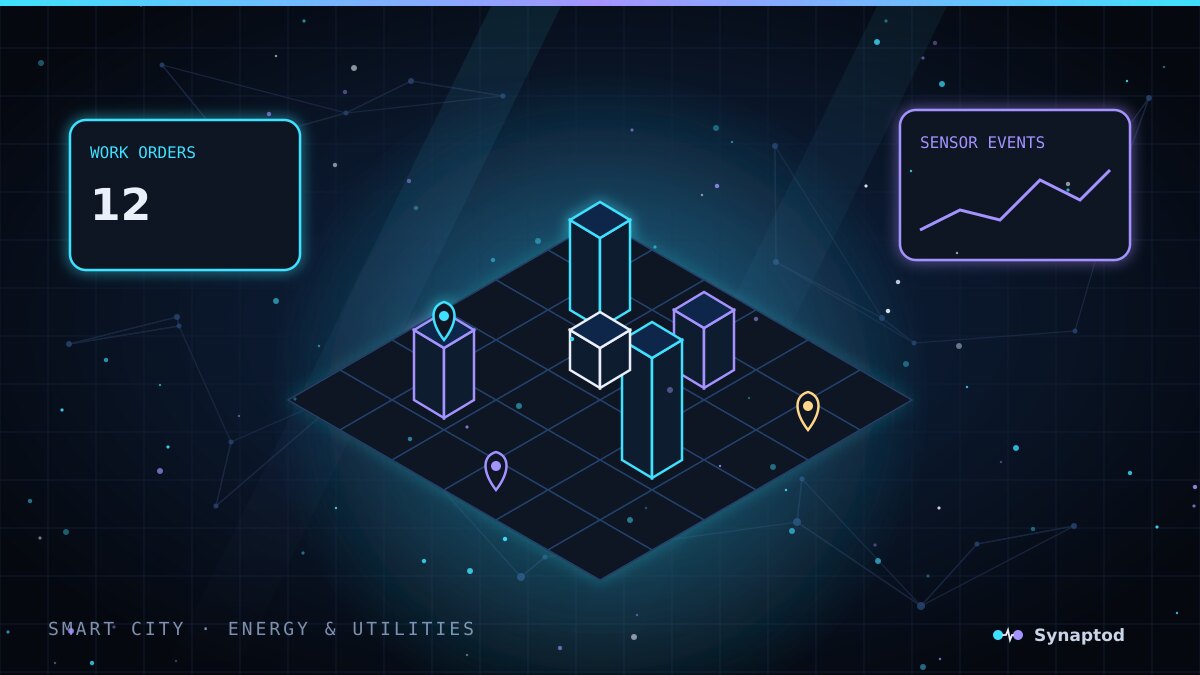
Operations Hub — Digital Twin
Operations Hub is a GIS-based digital twin that brings Jubail Island’s assets, incidents, work orders, sensor events and environmental context into one live map, so operations teams see what is happen
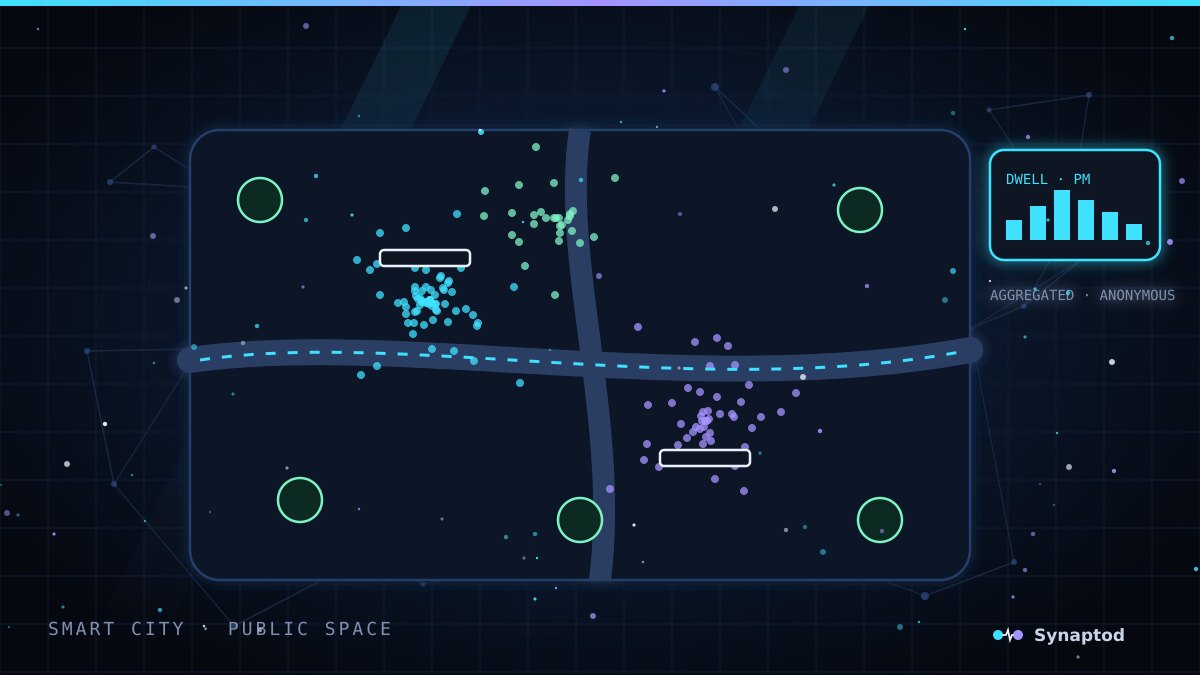
Place Intelligence
Place Intelligence shows designers and operators how public spaces are really used — aggregated, privacy-preserving counts, routes and dwell patterns — so they can see which spaces work well, which ar
Want something like Intelligent HQ Experience?
Tell us about your setting and we’ll explore it with you.
Last reviewed 2026-11-24